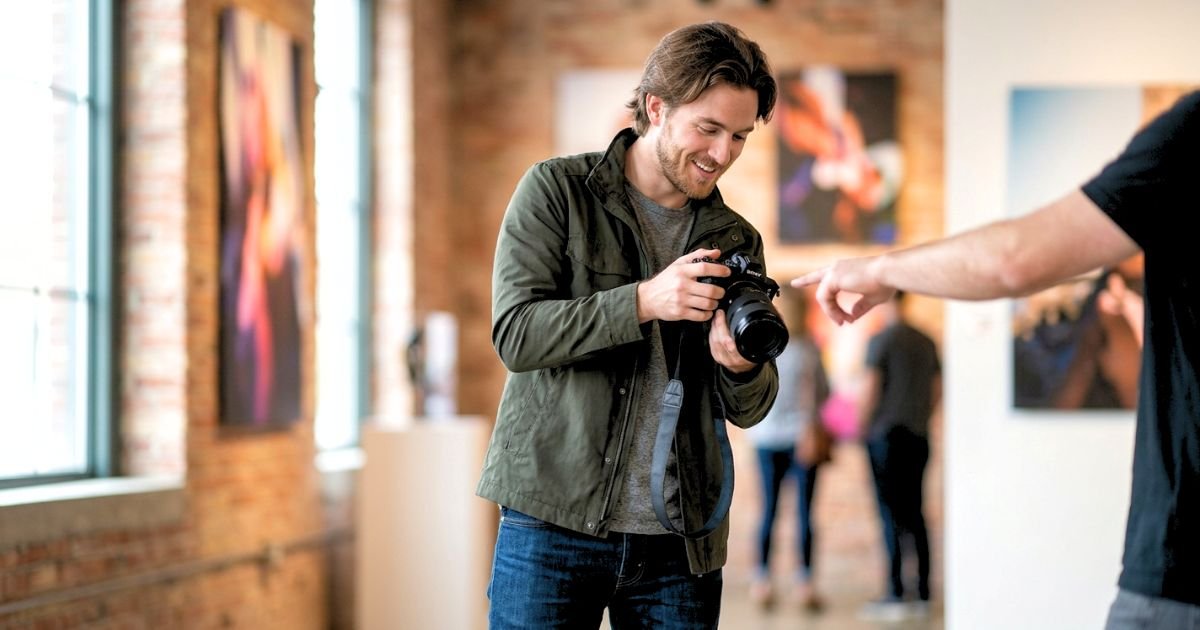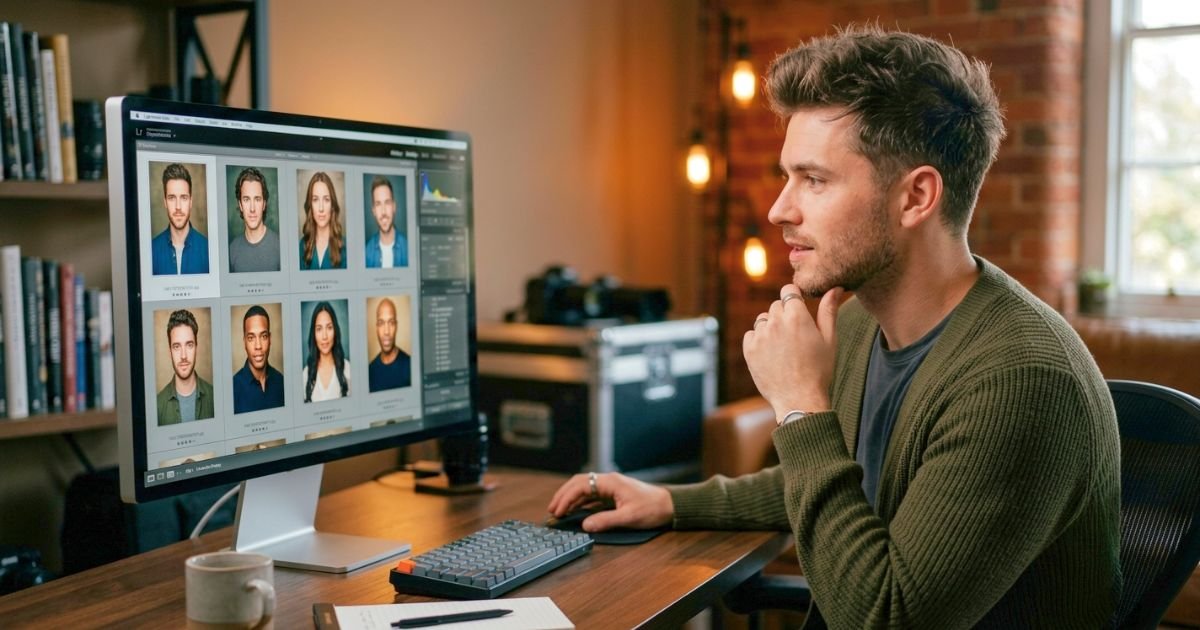
When you are looking for a new job, every detail of your professional presence matters. Your résumé, cover letter, LinkedIn profile, portfolio, and interview performance all contribute to how employers see you. One detail that is easy to underestimate is your professional headshot.
A strong headshot does not guarantee a job offer. However, it can help your LinkedIn profile, personal website, speaker bio, portfolio, and networking materials feel more complete, current, and trustworthy. It shows that you are intentional about your professional image—and that matters when people are deciding whether to learn more about you.
The best professional headshot for a job seeker should look current, confident, approachable, and appropriate for the next role you want. It should not feel stiff, overly edited, or disconnected from how you appear in real life.

This guide shares practical professional headshot tips for job seekers, from selecting the right outfit and background to posing naturally and choosing the best final image.
Quick Answer: What Makes a Good Professional Headshot for a Job Seeker?
A good job-search headshot is recent, well-lit, clearly focused on your face, and appropriate for your target industry. Wear professional clothing that fits well, use a simple background, keep your expression relaxed, and choose a photo that looks like you today.
The goal is not to look like someone else. The goal is to make it easy for a recruiter, hiring manager, or potential connection to recognise you as capable, polished, and approachable.
Why Professional Headshots Matter for Job Seekers
Job searching is often a competitive process. Recruiters and hiring managers may review dozens—or even hundreds—of profiles and applications for one role. A professional, current profile photo can make your online presence feel more credible and complete.
Your headshot may appear in several places:
- Professional networking platforms
- A personal portfolio website
- A company bio after you are hired
- A speaker profile
- A freelance marketplace profile
- A professional email signature
- Industry association directories
- Media features or guest articles
A professional headshot is especially valuable when someone checks your LinkedIn profile after receiving your résumé, meeting you at a networking event, or seeing your application.
The image should reinforce the message in your application: you are prepared, professional, and ready to make a positive contribution.
Start With the Job You Want, Not Only the Job You Have
One of the best professional headshot tips for job seekers is to plan the image around your next opportunity. Think about the kinds of roles you are applying for. A headshot for a corporate finance role may have a different feel from one for a creative agency, healthcare organisation, law firm, technology company, or real-estate business.
You do not need to become a different person for your photo. Instead, choose styling and expression that fit the level of professionalism and personality expected in your target field.
Ask yourself:
- Who will most likely see this headshot?
- What qualities do I want to communicate?
- Does my industry lean traditional, creative, client-facing, technical, or entrepreneurial?
- Do I want to appear more approachable, more authoritative, or more energetic?
- Would I feel comfortable meeting an interviewer while dressed this way?
| Career direction | Helpful headshot style | Strong visual qualities |
| Corporate, finance, law, consulting | Clean studio look or simple office background | Polished, confident, composed |
| Technology and start-ups | Professional but slightly relaxed styling | Approachable, current, capable |
| Healthcare and education | Warm, well-lit portrait | Trustworthy, calm, welcoming |
| Sales and real estate | Friendly expression and open posture | Energetic, personable, credible |
| Creative and marketing roles | More personality in clothing or location | Original, confident, professional |
| Freelance and entrepreneurship | Personal-branding-focused headshot | Clear, authentic, memorable |
Use a Current Photo That Actually Looks Like You
Your headshot should represent how you look now. If someone meets you for an interview, a meeting, or a networking event, they should be able to recognise you immediately.
Update your professional headshot if:
- Your hairstyle, hair color, facial hair, or glasses have changed significantly.
- Your current image is more than two or three years old.
- Your style or professional direction has changed.
- Your photo is low quality, poorly lit, or heavily filtered.
- You are using a cropped group photo or casual selfie.
- Your existing photo no longer feels like you.
A current photo builds trust. An old photo can create an awkward disconnect, even if it was once a good image. For a helpful update timeline, read How Often You Should Update Your Headshot.
Choose Clothing That Supports Your Job Search
Your clothes should look intentional without distracting from your face. The best choice is usually something you would realistically wear to a good interview, an important client meeting, or your first week in the role you want.
For many job seekers, solid-colored clothing works best because it keeps the focus on their expression. Navy, charcoal, forest green, burgundy, soft blue, cream, and other balanced tones can photograph well, depending on your complexion and the background.
Avoid items that make you uncomfortable or require constant adjusting. If your clothing feels too tight, overly formal, or unlike your normal style, that tension can show in the photo.
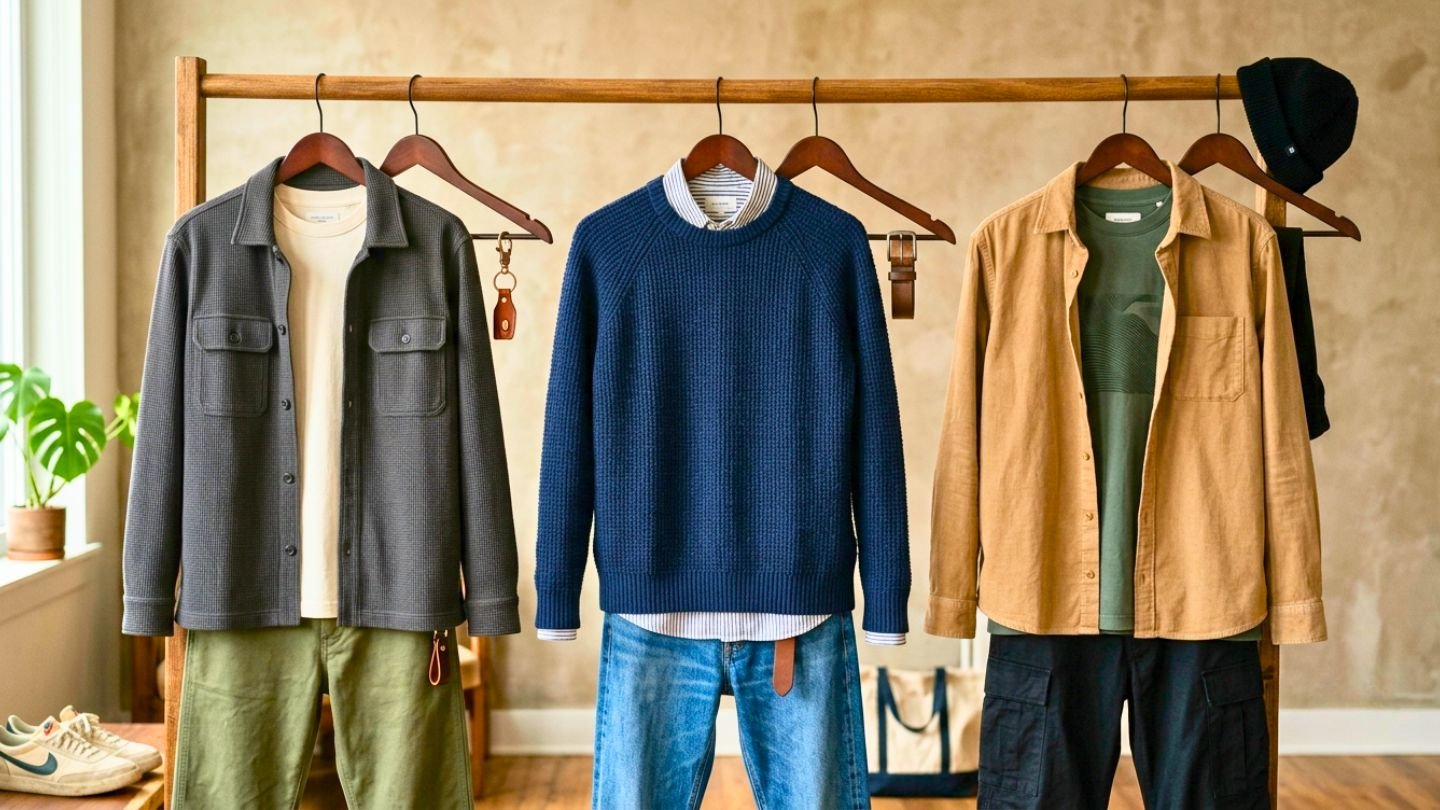
What to Wear for a Professional Job-Search Headshot:
| Clothing choice | Why it works | What to avoid |
| Structured blazer or jacket | Adds polish and shape | A fit that is too tight in the shoulders |
| Simple collared shirt or blouse | Timeless and professional | Wrinkled fabric or an overly busy pattern |
| Solid-colour knit top | Friendly and modern | Very thin fabric or distracting logos |
| Simple dress or tailored top | Clean, confident appearance | Deeply distracting necklines or bulky details |
| Minimal jewellery | Adds personality without competing | Large reflective accessories or too many layers |
Bring two or three options to your session if possible. Your photographer can help you compare how each choice works with the lighting and background. For detailed color guidance, see Best Colors to Wear for Headshots and What to Wear for Professional Headshots.
Keep the Background Simple and Purposeful
The background should support your professional image, not compete with it. A neutral studio backdrop is often an excellent choice for job seekers because it is versatile. You can use the photo on LinkedIn, a company website, an email signature, a portfolio, and future professional materials without the setting feeling out of place.
An office, outdoor area, or environmental background can also work well—particularly for entrepreneurs, creatives, architects, real-estate professionals, or people whose work benefits from context. Just make sure the background is clean, uncluttered, and not visually confusing.
A good background should:
- Create contrast between you and the setting.
- Keep attention on your face.
- Match your target industry or personal brand.
- Work well when the image is cropped for online profiles.
- Avoid visible clutter, random people, or distracting signs.
For more help, read Best Background for Professional Headshots.
Aim for Confident and Approachable, Not Overly Serious
Many job seekers think a professional headshot requires a serious expression. In some industries, a composed or neutral look may be appropriate. But looking professional does not mean looking cold, tense, or unapproachable. The strongest headshots usually balance confidence with warmth.
Try a few expression options during your session:
- A soft smile with direct eye contact
- A natural smile with teeth
- A calm, neutral expression
- A slightly more serious expression for formal roles
- A relaxed expression that shows personality
Your best expression depends on your role and personality. A recruiter should feel that the person in the image would be easy to speak with, capable in the role, and comfortable in a professional setting. Do not force a smile for too long. Start with a relaxed face, take a breath, and let the expression build naturally.
Relax Before You Worry About Posing
You do not need to be naturally photogenic to look good in a headshot. Most people become uncomfortable because they try to hold one “perfect” pose. A better approach is to make small adjustments and reset often.
Before each set of photos:
- Drop your shoulders.
- Exhale slowly.
- Relax your jaw.
- Shift your weight slightly.
- Turn your body a little away from the camera.
- Bring your eyes back to the lens.
These simple movements help prevent the stiff, frozen look that can appear when someone tries too hard. A good photographer will guide you through minor changes in posture, chin position, shoulder angle, and expression. You do not need to memorise complicated poses in advance. For more support, read Headshot Poses: Do’s and Don’ts for Male and Female.
Use a Natural Body Angle
Standing or sitting directly square to the camera can work, but a slight body angle usually feels more relaxed and adds depth to the image.
Turn your body around 30 to 45 degrees from the camera, then bring your face and eyes back toward the lens. This creates a more natural line across the shoulders and reduces the feeling of standing still for a passport photo.
Small changes can make a big difference:
| If this feels awkward | Try this adjustment | Result |
| Your shoulders look tense | Roll them back and let them drop | More relaxed neck and posture |
| You look too stiff | Shift your weight to one leg | A more natural body line |
| Your jawline disappears | Move your face slightly forward and down | Better definition without over-posing |
| Your arms feel uncomfortable | Keep them loose between shots | Less tension and more movement |
| Your expression feels forced | Reset your face after each image | More genuine variations |
Let Your Eyes Look Engaged
Natural eye contact is important in professional headshots. The camera lens represents the person viewing your image, so your gaze should feel present and connected. Avoid staring intensely into the lens. Instead, imagine you are speaking with a colleague, recruiter, or future client. Keep your eyes steady, but let them stay relaxed.
A genuine expression usually involves the eyes as well as the mouth. Thinking about something positive, such as a recent achievement or a person you enjoy working with, can create a more believable expression than simply being told to smile.

Groom for the Camera, Not for a New Version of Yourself
Your headshot should look polished, but still like you.
Plan simple grooming:
- Get enough sleep the night before.
- Drink water and avoid trying new skincare products immediately before the session.
- Bring a hairbrush, comb, lip balm, and touch-up products.
- Clean your glasses carefully.
- Use a lint remover on dark clothing.
- Keep makeup natural and camera-ready rather than dramatically different.
- Trim or style facial hair in the way you normally wear it.
Avoid a major haircut, a new hair color, an unfamiliar makeup look, or an intense skincare treatment just before your photo session. These changes can leave you feeling unlike yourself—or create a result that quickly becomes outdated.
Use Retouching Carefully
Professional retouching should remove distractions, not erase your identity. Light retouching can be helpful for temporary blemishes, stray hairs, clothing lint, glasses glare, uneven skin tone, or small background distractions. It should preserve your natural skin texture, facial features, and overall character. Over-editing can make a headshot less useful in a job search. If your image looks dramatically different from how you appear in person, it may feel less trustworthy. When discussing retouching, ask for a clean, realistic result. You should look rested and polished—not unrecognisable.
Match Your Headshot to LinkedIn and Your Job-Search Materials
A professional headshot works best when it is part of a consistent personal brand. Use the same image or closely related images from the same session across your professional profiles. Consistency helps people recognise you when they move from your résumé to LinkedIn, your portfolio, or a networking platform.
Before uploading the photo:
- Crop it so your face is easy to see at a small size.
- Keep your head and shoulders as the primary focus.
- Check that the image remains clear on mobile.
- Use a professional file name, such as first-name-last-name-professional-headshot.jpg.
- Add descriptive alt text to your website portfolio or personal site.
A clear, current headshot makes your digital presence feel organised and intentional.
Do Not Use These Common Job-Search Profile Photos
A professional photo does not need to be expensive or overly formal. However, some image choices can make your profile look less polished.
Avoid:
- Cropped group photos
- Car selfies
- Vacation images
- Low-light phone photos
- Heavy beauty filters
- Old photos that no longer resemble you
- Sunglasses or hats
- Busy nightclub, restaurant, or event backgrounds
- Photos where you are too far away to recognise
- Casual images that do not fit your desired role
A friendly, casual photo may be perfect for personal social media. Your job-search headshot has a different purpose: helping people see you as ready for a professional opportunity.
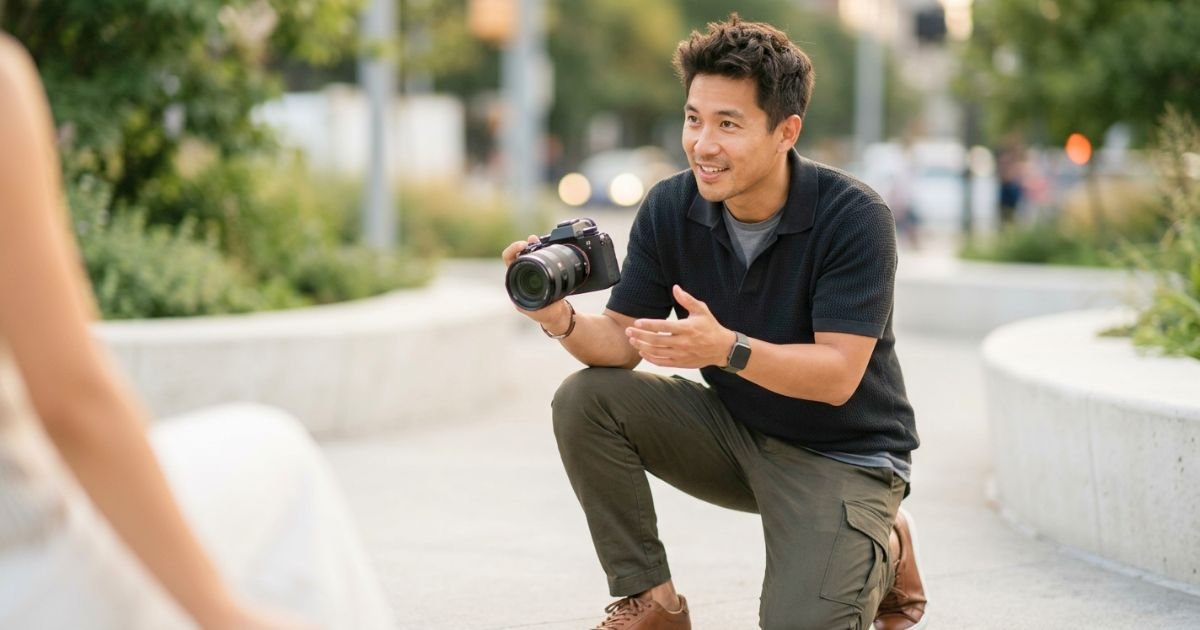
Work With the Photographer Instead of Trying to Perform
You do not have to know how to pose. Your role is to communicate your goals, stay open to direction, and allow yourself a few minutes to settle in.
Before the session begins, explain:
- The roles or industries you are targeting.
- Where will you use the image?
- Whether you prefer a warmer, more formal, more creative, or more corporate style.
- Any concerns about posing, smiling, glasses, or preferred angles.
- Whether you need a vertical or horizontal crop.
The photographer can then create images that serve your goals rather than giving you a generic profile photo. If you are preparing for a more formal employment search or a corporate role, our guide, How to Prepare for a Business Headshot, offers additional planning advice.
Review Your Final Images With a Recruiter’s Perspective
When choosing a final headshot, do not select only the photo in which you think you look most glamorous. Choose the one that looks professional, up to date, and trustworthy.
Review your favourite images at full size and as small thumbnails. Most people will first see your headshot in a small circular or square profile image.
Ask:
- Does this look like me today?
- Do I look comfortable and approachable?
- Are my eyes engaged?
- Does the outfit support my professional goal?
- Is the background clean?
- Would I feel confident using this photo on LinkedIn tomorrow?
- Does the image match the tone of my résumé and online presence?
If you cannot decide, ask a trusted mentor, colleague, or friend who understands your career direction. Choose someone who will give thoughtful feedback rather than simply selecting the image where you look most familiar to them.
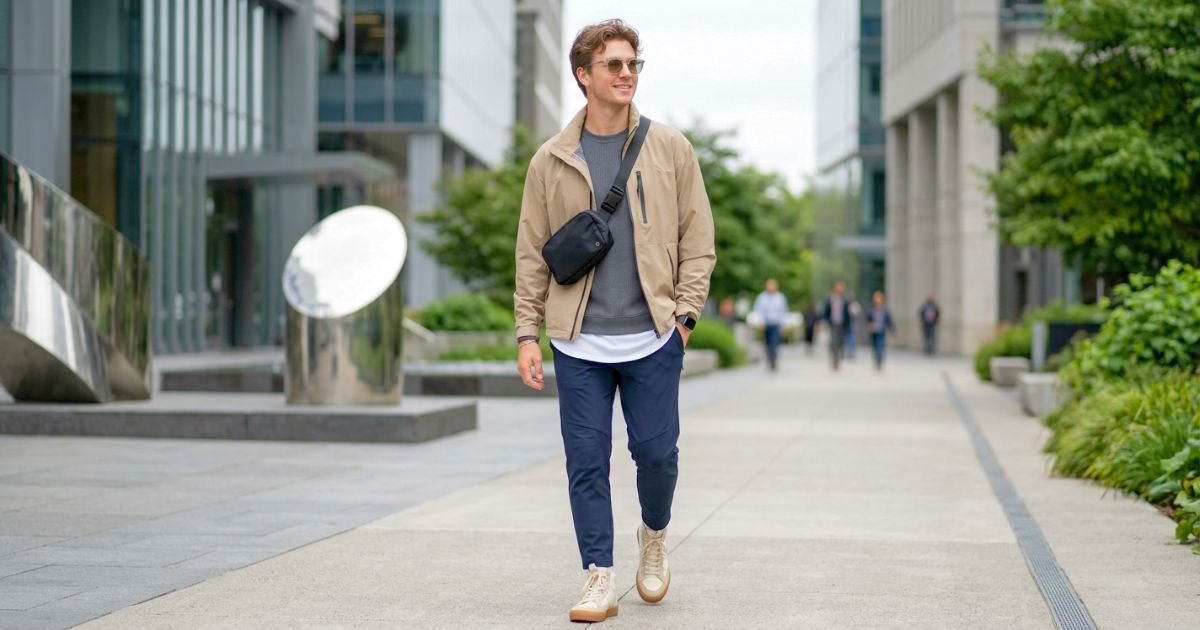
A job search is an ideal time to update your headshot because it often comes with other professional changes: a new résumé, a refreshed LinkedIn profile, a revised portfolio, or a shift in career direction.
Consider booking a new photo session when you are:
- Applying for a promotion or leadership role
- Changing industries
- Returning to work after a break
- Building a freelance or consulting business
- Launching a personal website
- Updating your portfolio
- Starting to speak at events or contribute to publications
- Moving into a more client-facing position
A current, professional photo gives you a useful asset for many of these next steps.
Create a Simple Headshot Plan Before Booking
A little preparation will make the session more productive and help you get an image that works in several places.
Your Professional Headshot Planning Checklist:
- Define the role, industry, or career direction you are targeting.
- Decide where you will use the photo.
- Choose two or three outfit options.
- Check that each outfit fits well and photographs cleanly.
- Select a studio, office, or environmental background.
- Plan your grooming one or two days in advance.
- Bring simple touch-up items.
- Tell the photographer how you want to be perceived.
- Request a few expressions and crop variations.
- Select one main image and save additional options for future use.
Remember That Professional Does Not Mean Personality-Free: Many job seekers worry that they need to look extremely formal to be taken seriously. In reality, hiring managers are looking for qualified people, not identical profile pictures. Your headshot can show professionalism while still showing warmth, confidence, creativity, and personality. The best image is not necessarily the most serious one. It is the image that aligns with your professional direction and feels believable to anyone who meets you.
Professional Headshot Tips for Job Seekers: Common Mistakes to Avoid
| Common mistake | Why it can hurt your profile | Better choice |
| Using an outdated photo | Creates a mismatch when you meet people | Use a recent image that reflects your current appearance |
| Wearing an uncomfortable outfit | Tension can show in your posture and face | Choose well-fitting clothing that feels like you |
| Choosing a busy background | Pulls attention away from your face | Use a clean studio, office, or simple environmental setting |
| Forcing a big smile | Can look unnatural or tense | Try several relaxed expression options |
| Over-editing the image | Makes the photo feel less authentic | Request subtle, realistic retouching |
| Cropping too tightly or too loosely | Makes the photo harder to use online | Keep the focus on your face and shoulders |
| Ignoring your target industry | May create the wrong professional impression | Plan styling around the role you want |
| Using different photos everywhere | Weakens personal-brand consistency | Use the same current headshot across professional profiles |
Frequently Asked Questions: Professional Headshot Tips for Job Seekers
Q. Do job seekers need a professional headshot?
- A professional headshot is not required for every job application, but it is highly useful for LinkedIn, networking platforms, personal websites, portfolios, freelance profiles, and professional bios.
Q. Should I put a photo on my résumé?
- Resume-photo expectations vary by country, industry, and employer. In many job markets, it is better to keep the résumé focused on qualifications and use your professional headshot on LinkedIn or a portfolio site instead.
Q. What should I wear for a job-search headshot?
- Wear clothing that matches the level of professionalism of the role you want. Solid colors, clean lines, good fit, and minimal distractions usually work best.
Q. Is a selfie acceptable for LinkedIn?
- A well-lit phone photo can be better than no photo, but a professionally taken headshot usually provides better lighting, posing, background control, and a more polished result.
Q. What background should job seekers use for a professional headshot?
- A plain studio background is versatile and works well for most job seekers. A clean office or outdoor background can also work if it suits your industry and does not distract from your face.
Q. Should I smile in a professional headshot?
- Usually, yes. A natural smile can make you appear approachable and confident. The ideal expression depends on your personality and the kind of role you are pursuing.
Q. How recent should my professional headshot be?
- Your headshot should reflect your current appearance. Update it every two to three years, or earlier if your hairstyle, glasses, facial hair, style, or career direction changes significantly.
Q. Can I wear glasses in my headshot?
- Yes. If you normally wear glasses professionally, wear them in your headshot. Clean them carefully and consider anti-reflective lenses to reduce glare.
Q. How much should a professional headshot be edited?
- Editing should be subtle and realistic. It can remove temporary distractions while preserving your natural features, skin texture, and personality.
Q. How do I look less nervous in a headshot?
- Arrive early, breathe slowly, relax your shoulders and jaw, make small movements between photos, and tell your photographer that you feel nervous. Clear direction and a calm pace can make a major difference.
Q. Can I use the same headshot for LinkedIn and my company website?
- Yes. A clean, current, professional headshot can work well across LinkedIn, company bios, personal websites, portfolios, and email signatures.
Q. What is the best pose for a job-search headshot?
- A slight turn of the shoulders, relaxed posture, direct eye contact, and a natural expression are a strong starting point. Your photographer should adjust the pose to suit your face, body, and professional goals.
Q. Should I use a black-and-white or color headshot for job searching?
- Color is usually the most versatile choice for modern professional profiles. Black-and-white can work for creative or editorial uses, but color generally feels more current and adaptable for LinkedIn and company websites.
Q. When is the best time to take a new headshot?
- Take a new headshot before beginning a serious job search, applying for a promotion, changing industries, launching a personal website, or updating your professional profiles.
Conclusion: Let Your Headshot Support Your Next Career Move
A professional headshot is a small but meaningful part of a strong job-search strategy. It helps your LinkedIn profile and other professional materials feel current, considered, and trustworthy.
The key is simple: look like yourself at your most prepared. Choose clothing that aligns with your goals, use a clean background, keep your expression relaxed, and work with a photographer who understands the opportunity you are pursuing.
You do not need to look like a model. You need a current, confident, approachable image that helps employers, recruiters, and professional connections see the person behind the application.